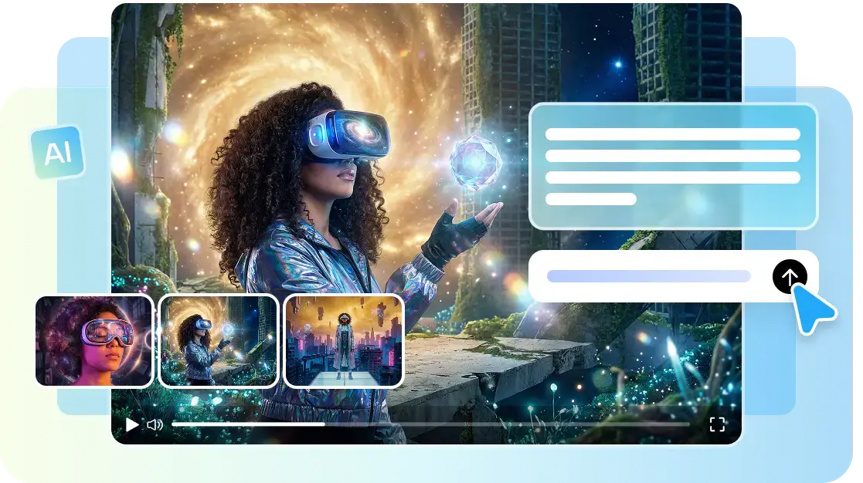
Unconnected actions can make the storyline of an AI video weaker and confuse viewers. A good sequence must have clear starts, links, interactions, and endings. Timestamp prompts are used to describe key times in a created sequence. They make links between things that happen, the movement of the camera, and changes in the image through time. Pippit offers a practical setting that creates and develops structured videos. Each moment supports the other in logical progression. This means that the final product has a purposeful feel and doesn’t sound like it was thrown together.
Timestamp-based prompting is when an AI video generator is instructed on what to do at certain times. Creators don’t list unrelated descriptions; they list events in chronological order. For instance, an opening shot can set up a product before an interaction occurs. Another timestamp can add movement, and another can alter the camera angle. These directions tie in to story beats, character movement, and object placement. With its chosen Dreamina Seedance 2.5 model, Pippit supports creators in building this structure. Sequencing is clear and has purpose for each action within the whole video. It also helps to minimize confusion in case of multiple visual elements occurring together.
Prior to writing the prompt, sketch out the major moments in the video and the sound that accompanies each moment. Notate the start and end points of dialogue, ambience, sound effects, and music. SeedAudio 1.5 adds the ability to place audio at a specific time in the game, rather than randomly at a later stage, to match the visual events. Using reference audio, you can also guide voices and create audio with video context. Try to have one key sound event per timestamp. A straightforward timeline helps link up narration, movement, transitions, and reveals, for a more well-paced and audibly and visually cohesive final sequence.
Using spatial planning allows for the linkage of shots, objects, characters, and camera movement into one sequence. Seeworld is an example of the larger trend towards 3D world models that emphasize relationships and environments over visual assets. This can be helpful in arranging subjects in a scene, as well as the distance between them and the changing of viewpoints. Choose environment, focus, placement of objects, camera angle, etc., before shooting video. A spatial reference can help to lead to composition and movement, and can minimize abrupt transitions between shots, and provide a clear visual reason for each transition.
Footage extension is a way of continuing a sequence of visual ideas without having to start a new concept. It can be used to keep a product action, character movement, reveal, or end scene going. The extension should be a logical continuation of the previous footage. Match subject, setting, lighting, camera direction, and movement. A product that is at the edge of the frame should go on naturally after that. Likewise, if a character starts a turn with a move, they should finish that move every turn. The reference data indicates that Seedance 2.5 can have two extension rounds. Use extensions where they are needed to extend the story, but not if too much is added.
Rapid movements of objects may indicate that instructions for placement are unclear or that the object has not been moved completely. Lack of positioning explanations can also make continuity of the timestamps less reliable. See if it has too many actions going on at the same time. In cases where the sequence is not clear, simplify the prompt. Use references when appearance, setting, and continuity of the product are significant. See the entire video, not just one frame at a time. A frame can be considered a nice picture but still ruin the overall story. For each transition, compare it with the action that it follows and the consequence that follows it. After that, edit just the part that is not clear before generating again.
Logical progression starts with planning, not generation. Having a clear timeline with each visual moment helps to support the next. Timestamp prompts are a functional way to guide key action in the story. The generation, review, editing, and export are all part of one Pippit workflow. Continuity can be reinforced by using reference media when it is necessary to have either continuity of subject or continuity of setting. When more time is needed, footage extension can be used to continue the sequence that already exists. The best videos focus on clear motion rather than too much going on. Each action should move the story towards a purposeful ending.